
Uncategorized
How to Turn On FVKD Vape: Side Button, Lights and Easy Fixes
Nov
Table of Contents
Trying to turn on a FVKD vape for the first time? Press the small button on the side five times in quick succession and watch for the indicator light. If your device has no button, it is draw activated and turns itself on when you inhale. This guide covers the side button, every light pattern, and the five fixes that revive a FVKD vape that refuses to wake up.
Quick Answer
Button models: five fast clicks of the side button turn the device on, and the same five clicks turn it off. The presses must land within about two seconds. Auto draw models: there is no power step at all; put the mouthpiece to your lips and inhale gently. If neither works, the battery is almost always the culprit, so charge the device on a USB C cable for 15 to 30 minutes and try again.
Which FVKD Model Do You Have?
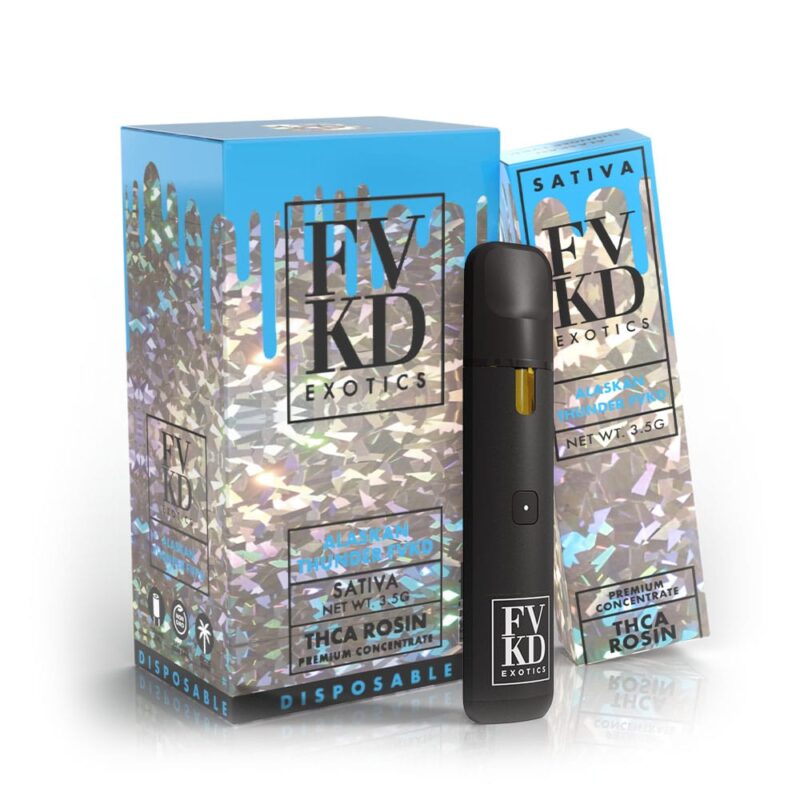
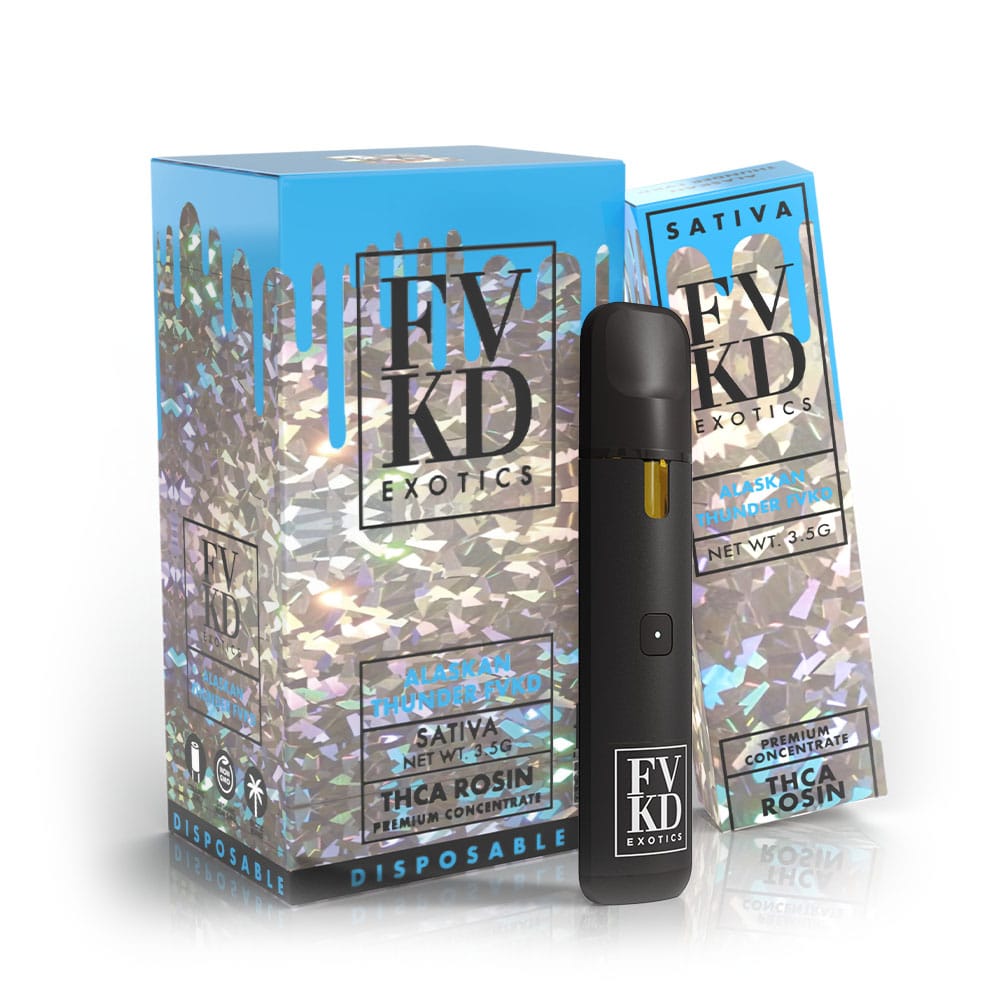
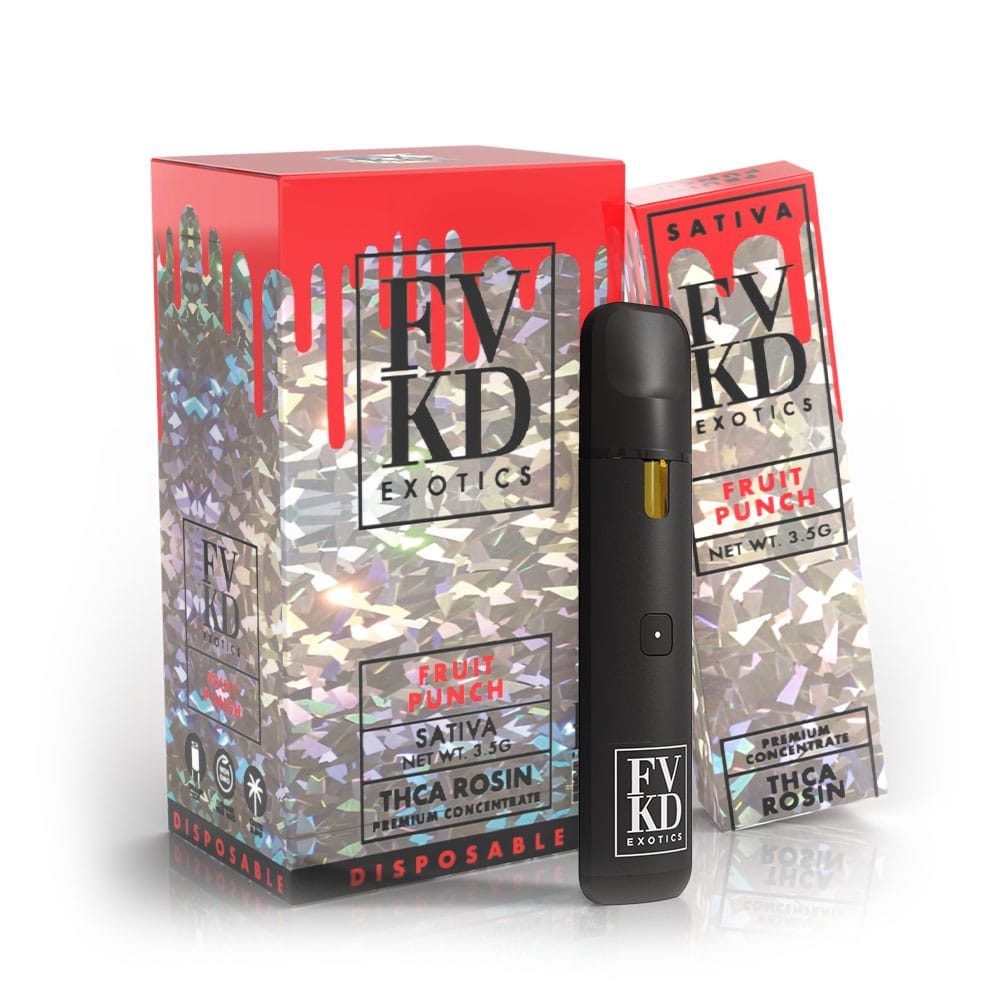
Run a finger along the body of your FVKD vape near the base. Current 3.5g rosin and liquid diamond devices carry a small side switch that powers the unit, fires the coil and controls preheat. Earlier batches are smooth sided and draw activated. The difference matters because a smooth sided FVKD vape cannot be clicked on, and a button model will not fire from inhaling alone on some batches. Once you know your model, everything below falls into place. You can see both designs pictured across our shop and in the full FVKD Exotics review.
The Side Button Explained
The side switch does three jobs. Five quick clicks toggle power on and off. Holding the button, or giving it two quick clicks on some batches, starts preheat: the light pulses while the coil warms for a few seconds to soften thick rosin. And while the device is on, holding the button as you inhale fires the coil. Click briskly when powering on; slow deliberate presses do not register as a sequence, which is the single most common reason a working FVKD vape seems dead. A few early runs used three clicks instead of five, so try both patterns before assuming a fault.
What the Lights Mean
The indicator light is the device talking to you. Here is the translation table.
| Light behavior | What it means | What to do |
|---|---|---|
| Solid while drawing | Normal firing | Nothing, enjoy |
| Steady light on charger | Charging | Wait 15 to 30 minutes |
| Light off or green on charger | Fully charged | Unplug and go |
| Blinks after a long puff | Automatic cutoff | Keep puffs under 3 seconds |
| Blinks repeatedly on inhale | Low battery | Charge the device |
| Blinks and never fires | Poor coil connection or clog | See the fixes below |
FVKD Vape Not Turning On: 5 Fixes
- Charge it first. Most devices ship with a nearly empty battery. Plug into a USB C cable for 15 to 30 minutes. This alone resolves the majority of complaints.
- Fix your click speed. Five clicks within about two seconds. Too slow and the sequence never registers. Try three clicks on early batches.
- Warm it up. Cold thickens rosin and can slow the whole device. Hold it in your hand or an inside pocket for five to ten minutes. Never use a lighter or hot water.
- Clear the airway. On auto draw models a clogged mouthpiece stops the sensor from feeling your inhale. Blow gently backward through the mouthpiece, then take a slow test pull.
- Check the port and intake. Lint in the USB C port stops charging, and a sticker or debris over the air intake near the base blocks the draw sensor. Clear both and try again.
If the device fires but produces weak or no vapor, that is a different problem with its own solutions, covered step by step in our FVKD Exotics not hitting guide.
No Light at All?
A FVKD vape that shows no light on the charger and no light when clicked has either a fully drained battery, a dirty charging port, or a genuine defect. Leave it on the cable a full half hour, because a deeply drained battery can take several minutes before the light returns. Try a different cable and USB port, and clean the port opening gently with a dry toothpick. If there is still no sign of life after all that, stop and contact the store you bought it from. A genuine device from an authorized retailer will be replaced; this is exactly why we recommend checking sellers against our verification guide and the is FVKD legit breakdown before buying.
How to Tell It Is On
After the five clicks, the light gives a confirmation flash and then sits dark until you draw. That dark idle state confuses many first time users into clicking five more times, which turns the device off again. The reliable test is a short gentle pull: if the light glows and you feel vapor, it is on. On auto draw models there is no idle state to worry about; the light simply glows during each draw on most units.
Turning It Off Safely
Give the side button of the FVKD vape the same five quick clicks and the light flashes to confirm shutdown. Make a habit of this before the device goes into a pocket or bag: it prevents the button from firing against your keys, saves battery, and keeps the coil from cooking dry. Auto draw models have no off switch, so store them upright somewhere the mouthpiece cannot be pressed or blocked, at room temperature and out of the sun. Hemp derived THCA devices are federally legal under the 2018 Farm Bill, and treating the hardware carefully is part of using them responsibly.
Keeping It Ready
Three habits keep a FVKD vape ready every time you reach for it. Top up the charge before it runs flat rather than after. Store the device upright at room temperature, since heat causes leaks and cold starves the coil. And use it regularly with short, gentle puffs instead of letting oil sit for months. Follow those and the five click ritual becomes the only instruction you ever need. For the complete routine from charging to filling and flavor, see the full FVKD Exotics vape instructions and our guide on how to use FVKD Exotics devices of every type.
Cold Weather and Battery Health
Winter is the busiest season for turn on complaints, and it is rarely a fault. Lithium batteries deliver less current when cold, and thick rosin stiffens at the same time, so a FVKD vape left in a car overnight can look completely dead when it is simply chilled. Bring the device inside, give it fifteen minutes at room temperature, warm it in a closed palm, and then click the button five times as usual. In genuinely cold climates, carry the FVKD vape in an inside pocket where body heat keeps both the battery and the oil in their happy range. Battery habits matter year round too: top the charge up before it runs empty, use a standard USB C port rather than a fast charger, and unplug once the light shows full. A battery treated this way keeps firing consistently to the very end of the oil, which is exactly what you paid for.
Frequently Asked Questions
How do I turn on my FVKD vape?
Press the side button five times in quick succession, within about two seconds. The indicator light confirms it is on. Devices without a button are draw activated and fire when you inhale.
Why is my FVKD vape blinking?
Blinking usually means a low battery, a puff longer than the automatic cutoff allows, or a poor coil connection. Charge it first, keep puffs under three seconds, and clear any clog.
Why will my FVKD vape not turn on even after charging?
Check your click speed, try three clicks on early batches, warm the device in your hand, and clean the USB C port. If there is still no light, contact the retailer for a replacement.
Does the FVKD vape turn off by itself?
Button models stay on until you click five times, though the light idles dark between draws. Turning it off before pocketing it prevents accidental firing.
What does holding the side button do?
Holding the button fires the coil while you inhale, and a longer hold or two quick clicks starts preheat, which softens thick rosin for a fuller first draw.
My device has no button at all. Is it fake?
Not necessarily. Earlier FVKD Exotics batches are draw activated with no button. If you want certainty, run the batch code through our verification guide and check the lab results.
Still stuck after every fix? Reach the team through the contact page and we will sort it out, or browse fresh lab tested devices in the FVKD Exotics shop. Every genuine unit we ship is backed by the batch lab results published on this site.
